Image 1 of 2
Excel model: automation ROI calculator
Work out what an automation would save, what it would cost and when it would pay for itself, using your own numbers.
$19
Prices in Canadian dollars; taxes calculated at checkout where applicable.
- Instant download after payment
- Secure payment by Stripe
- Questions? bonjour@lucarne.ca
At a glance
- Up to 10 tasks: time saved, errors avoided, real costs
- Payback period, net annual gain and 3-year net gain
- Sensitivity table at ±25% on volume and time saved
- A complete fictional example to understand it in minutes
- Visible formulas, no protected sheets, no macros
- English and French versions, with a PDF quick guide
In collectionsAI tools for SMEs
Description
Before investing in an automation, one question matters: how many hours and dollars it would really save you, and how long it would take to pay for itself. This Excel model answers from your numbers, not from averages.
How it works: - you describe up to 10 tasks: frequency, minutes today and after automation, errors avoided - you enter the costs: setup, internal hours, tools, maintenance and ramp-up months - the model calculates hours saved per year, net annual gain, payback period and 3-year net gain
The Sensitivity sheet recalculates the result when volume or time saved moves 25% up or down, so you see right away whether your decision holds if your assumptions are too optimistic. The Example sheet shows a complete fictional scenario.
Formulas are visible and no sheet is protected. In each language, you get an .xlsx file and a 2-page PDF quick guide.
The model gives orders of magnitude before taxes: it is not financial or accounting advice.
What you get
- Modèle de rentabilité d’une automatisation (Excel, French)28 KB
- Guide rapide du modèle (PDF, French)218 KB
- Automation ROI calculator (Excel, English)26 KB
- Automation ROI quick guide (PDF, English)217 KB
Details
- Format
- Excel (.xlsx) + 2-page PDF guide
- Sheets
- 5 sheets: Instructions, Inputs, Results, Sensitivity, Example
- Compatibility
- Excel 2016 or later, Microsoft 365; standard formulas, no macros
- Languages
- English and French (one file per language)
- Delivery
- Instant download
- Licence
- Internal use in your business
Frequently asked questions
What do I receive?
An Excel file (.xlsx) and a 2-page PDF quick guide, in English and in French. The download link is in the confirmation email.
Do I need Excel?
The model is built for Excel (Microsoft 365, Excel 2016 or later, Windows and Mac). It only uses standard formulas, no macros, so it can also open in Google Sheets or LibreOffice Calc, where formatting may vary.
Is this financial advice?
No. The model gives orders of magnitude from your own assumptions, before taxes. For a major decision, confirm it with your accountant.
What if the product isn’t right for me?
Write to us at bonjour@lucarne.ca if the file doesn’t suit you; we’ll find a solution.
Can I use it for several projects?
Yes, as often as you like within your business: make a copy of the file for each project. Resale and redistribution are not permitted.
Customer reviews
No reviews yet. Buyers can leave theirs from their order page.
You may also like
 New
New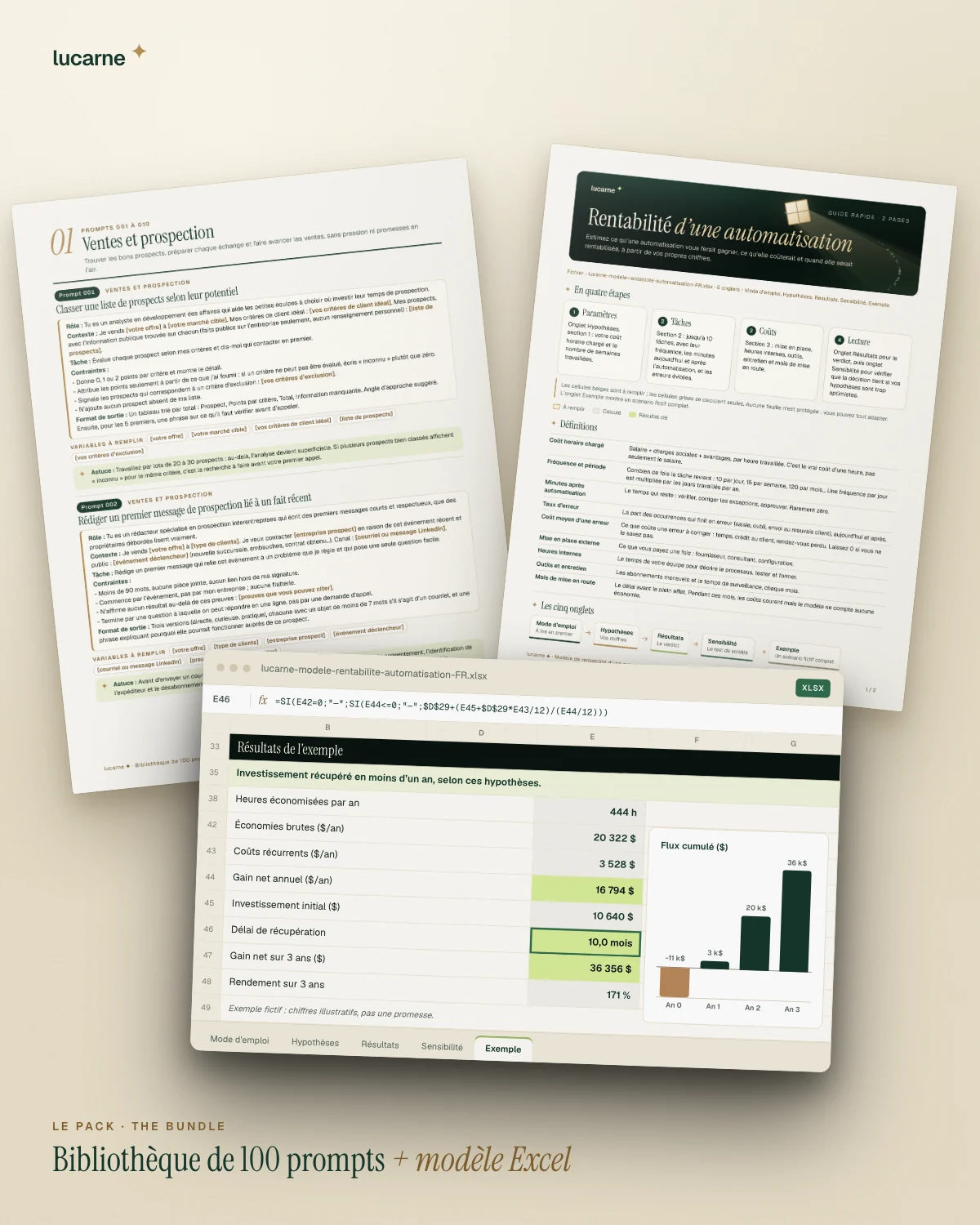
Bundle
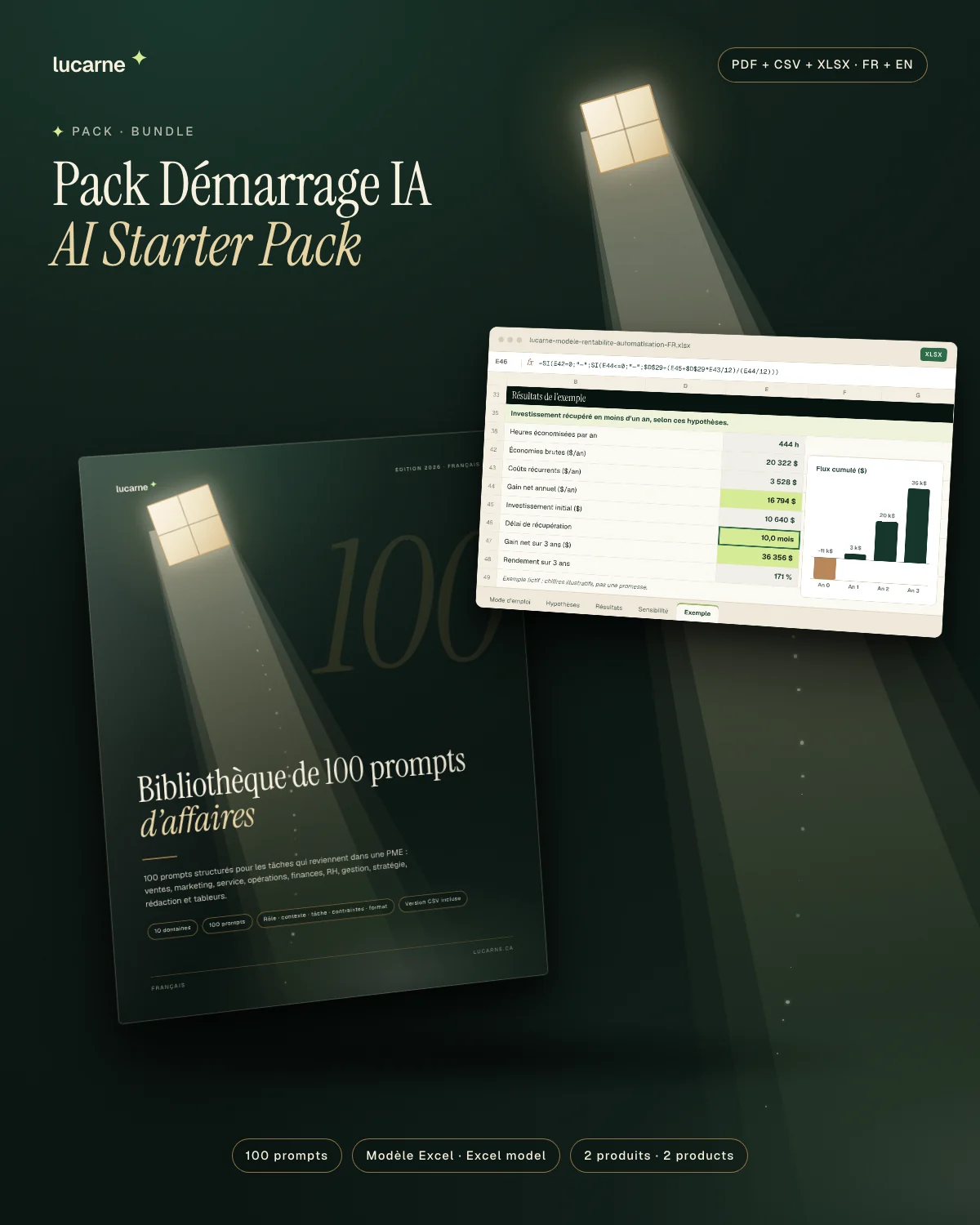
AI Starter Pack
The Business Prompt Library and the automation ROI model, together: from first experiments to decisions backed by numbers.
 Free
Free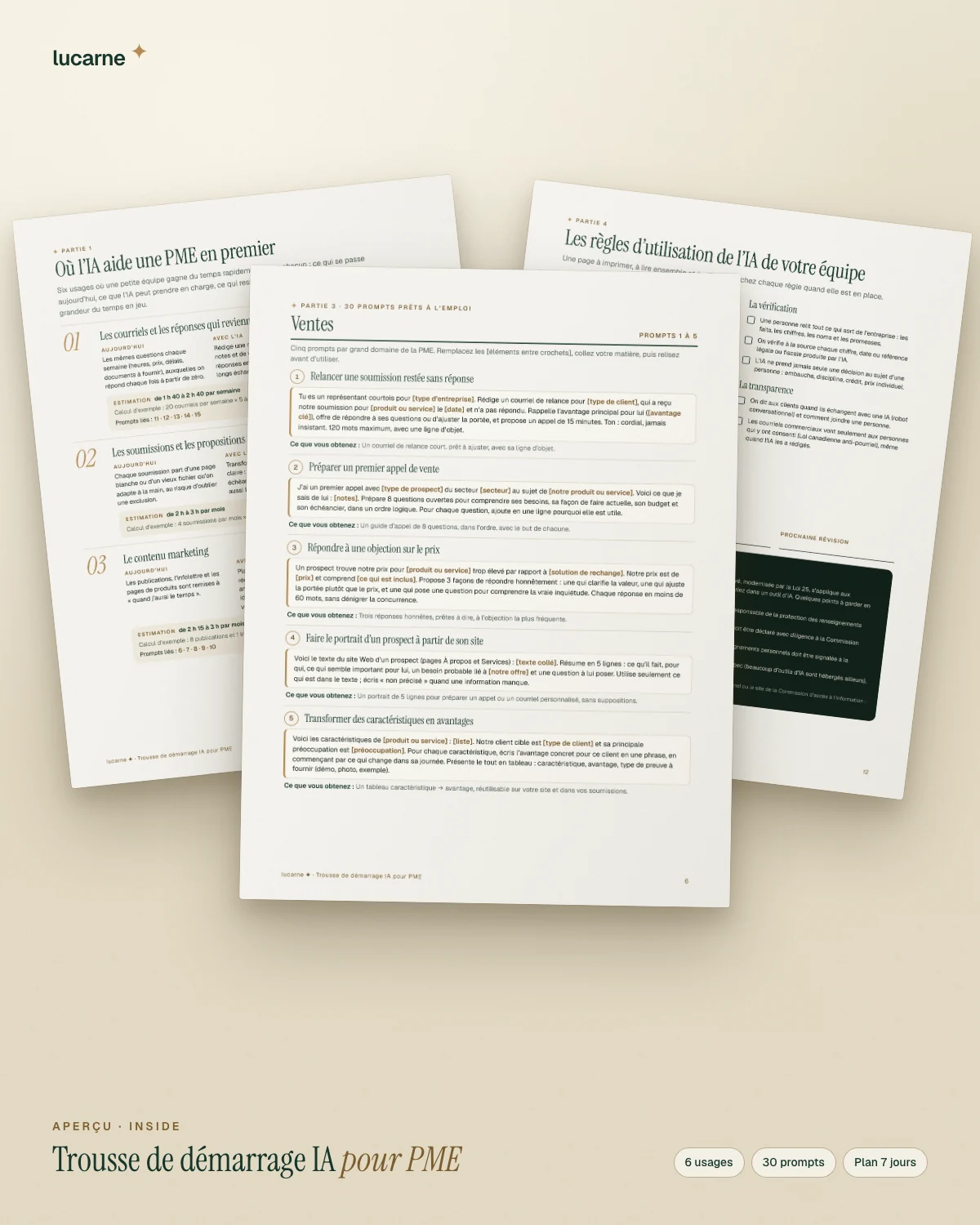
Digital
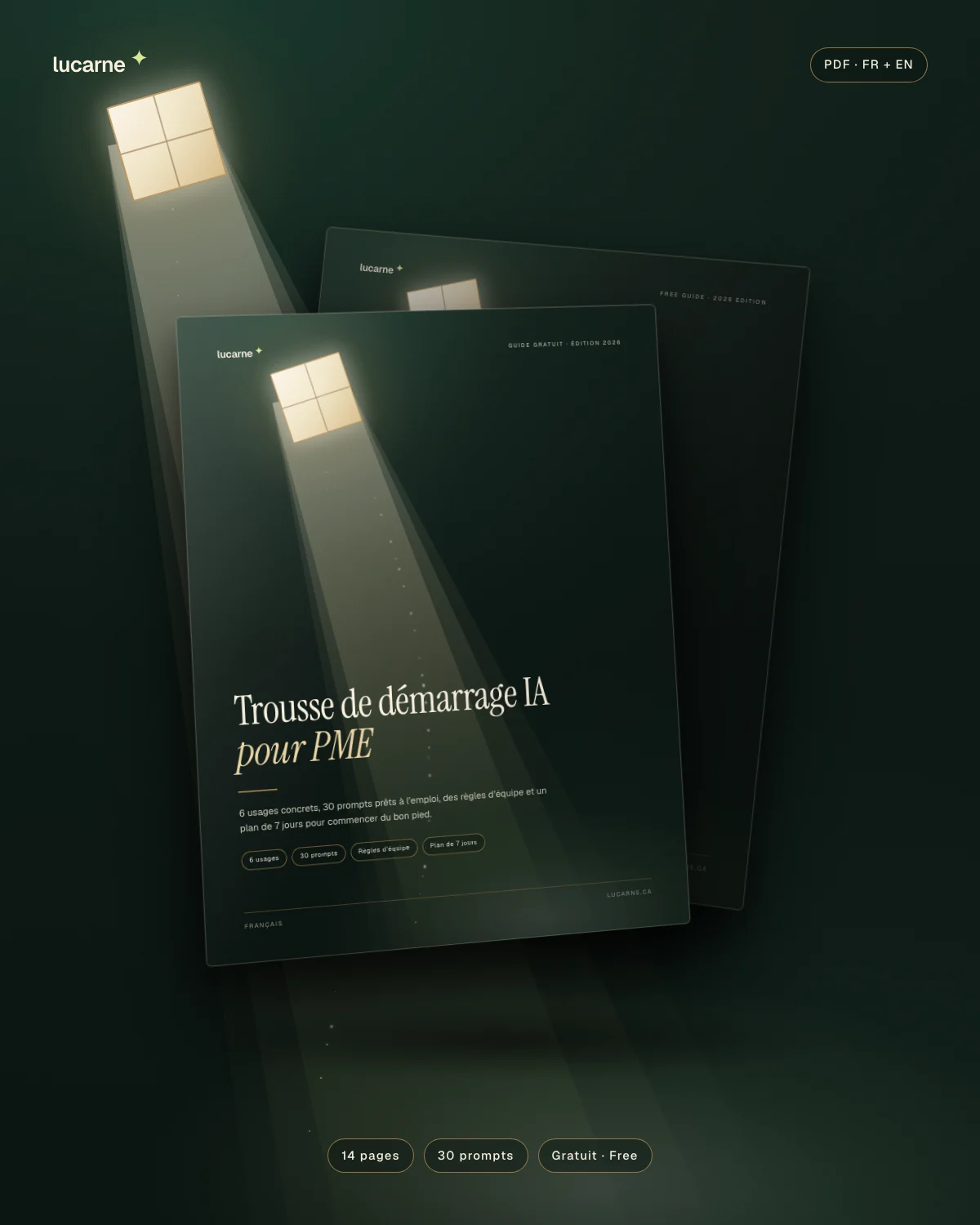
AI Starter Kit for Small Businesses
6 concrete uses, 30 ready-to-use prompts, team rules and a 7-day plan. Free, in English and in French.
 New
New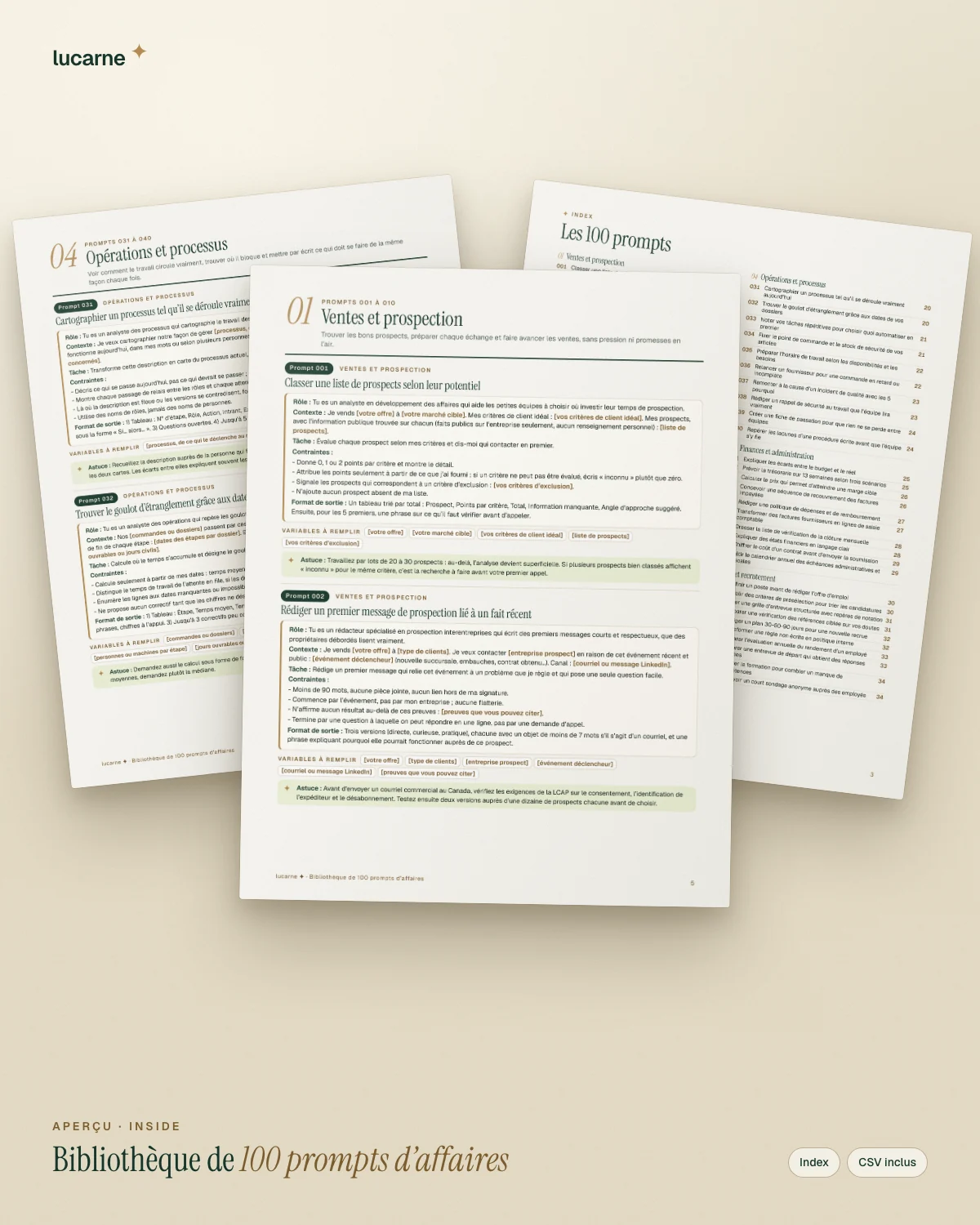
Digital
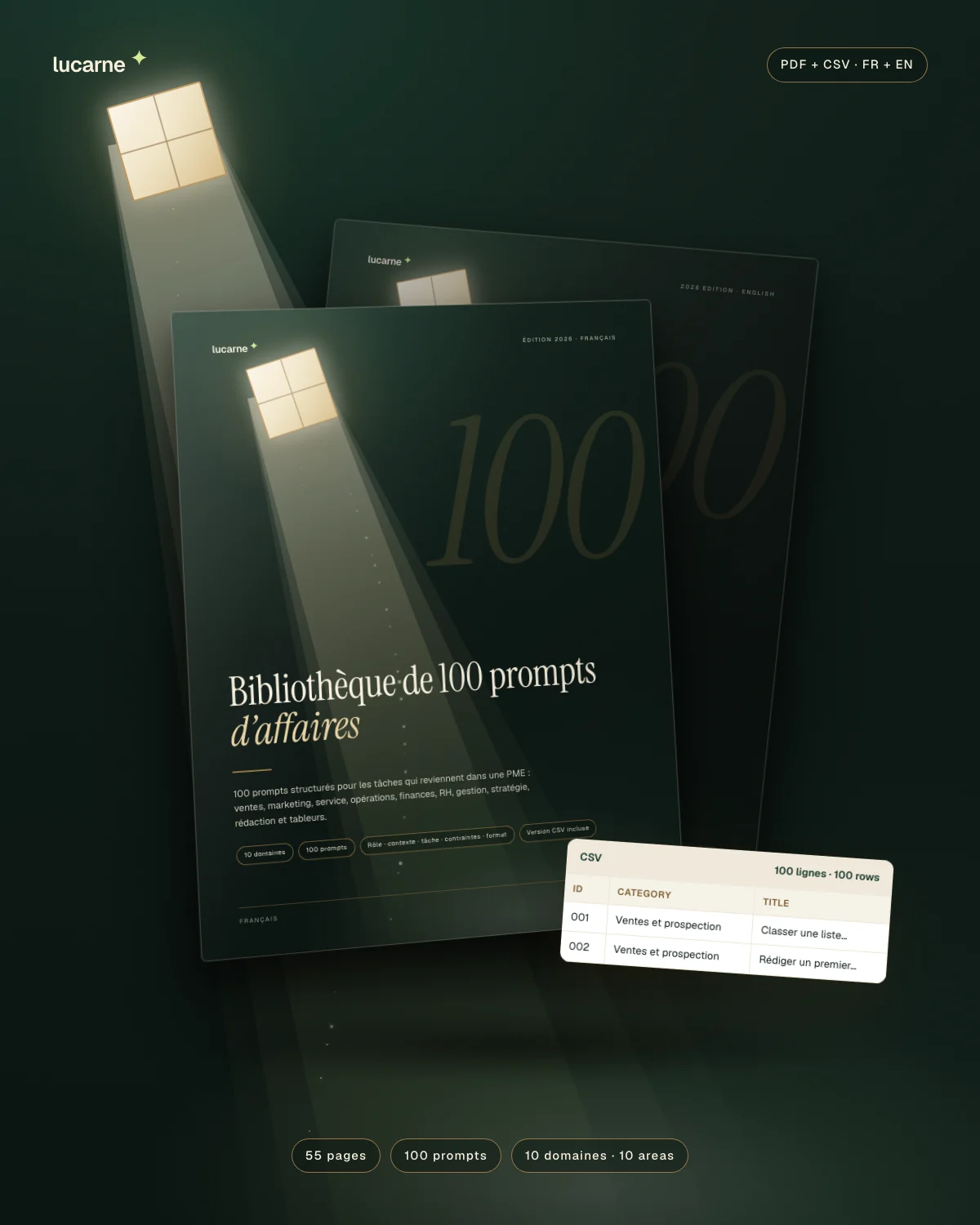
Business Prompt Library — 100 prompts
100 structured prompts for the tasks that keep coming back in a small business, across 10 areas. 55-page PDF plus CSV.